Make your first AI video in the Revana dashboard
Type a prompt, see the price, press Generate. No code and no API key: the dashboard bills your Revana credits, and you only pay for videos that finish.
A golden retriever puppy runs across a sunny meadow toward the camera, ears flapping, slow motion, warm late-afternoon light, shallow depth of field로그인
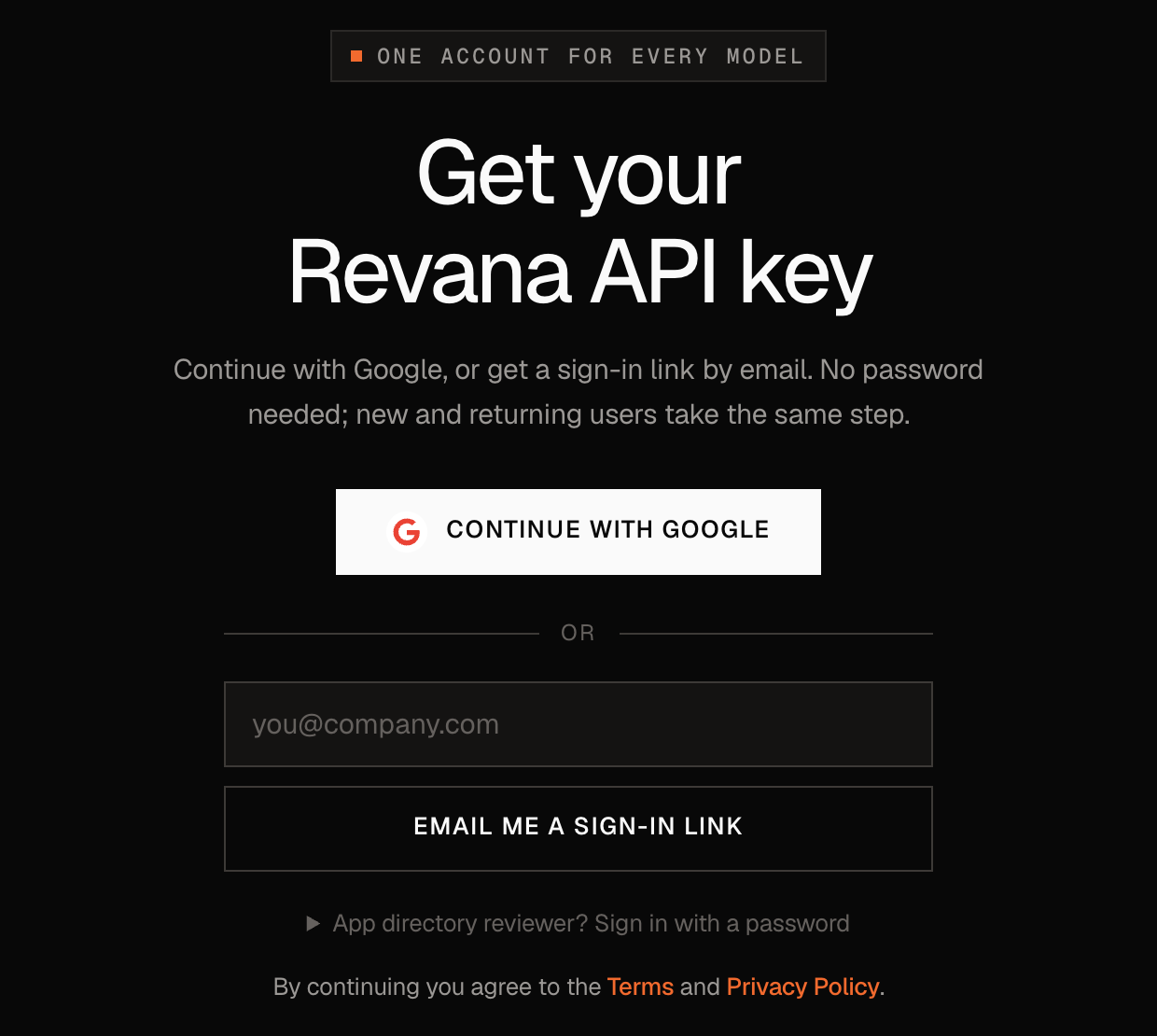
Go to revana.si/signup and press Continue with Google, or type your email and we send you a sign-in link. There is no password, and new and returning users take the same step.
크레딧 추가
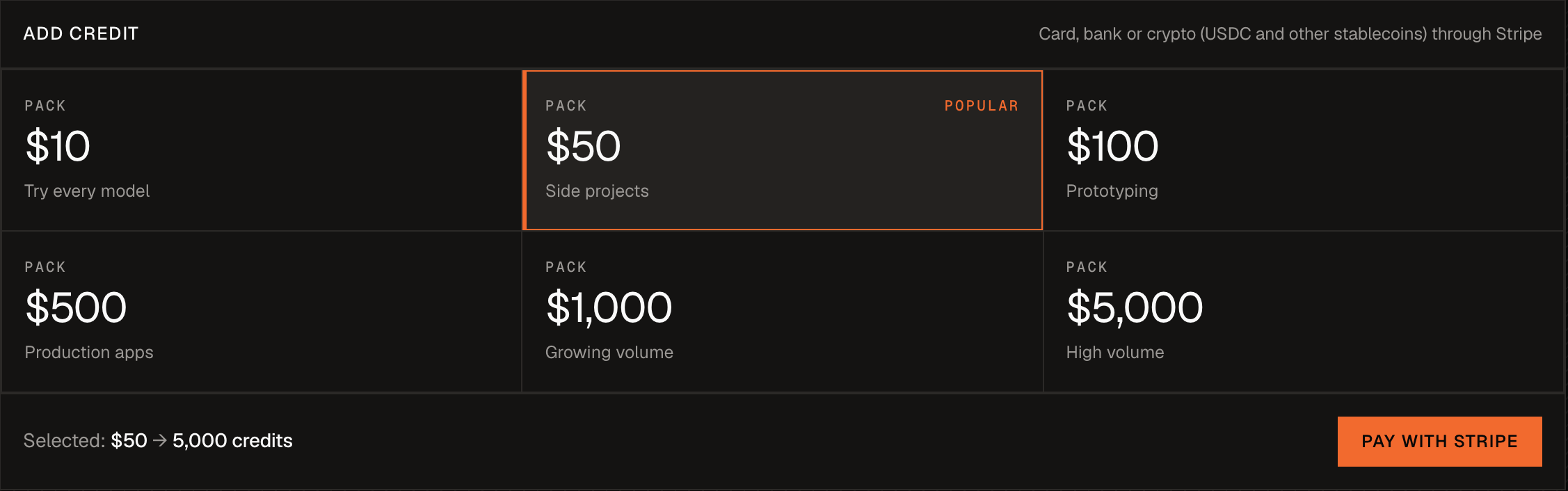
Open Billing in the left menu. Pick a pack (from $10) and press Pay with Stripe. You can pay by card, bank or stablecoin.
- 100 credits = $1. One balance works for every model.
- No subscription and no minimum.
- A video only costs credits once it finishes. If it fails, you pay nothing.
Free credits: under Billing, star the Revana SDK on GitHub and claim 100 credits. That pays for two 480p test videos.
Open Generate and pick a model
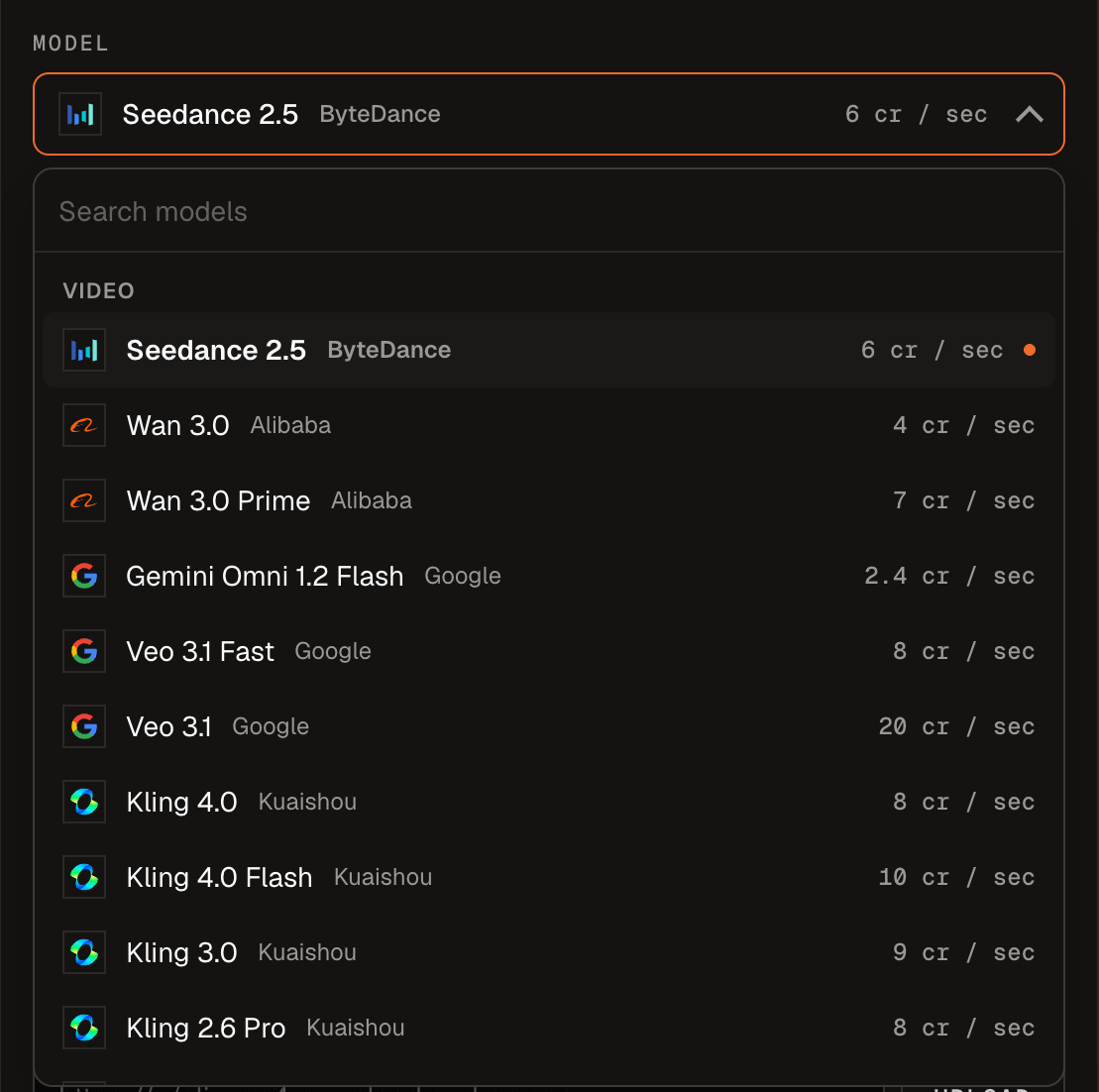
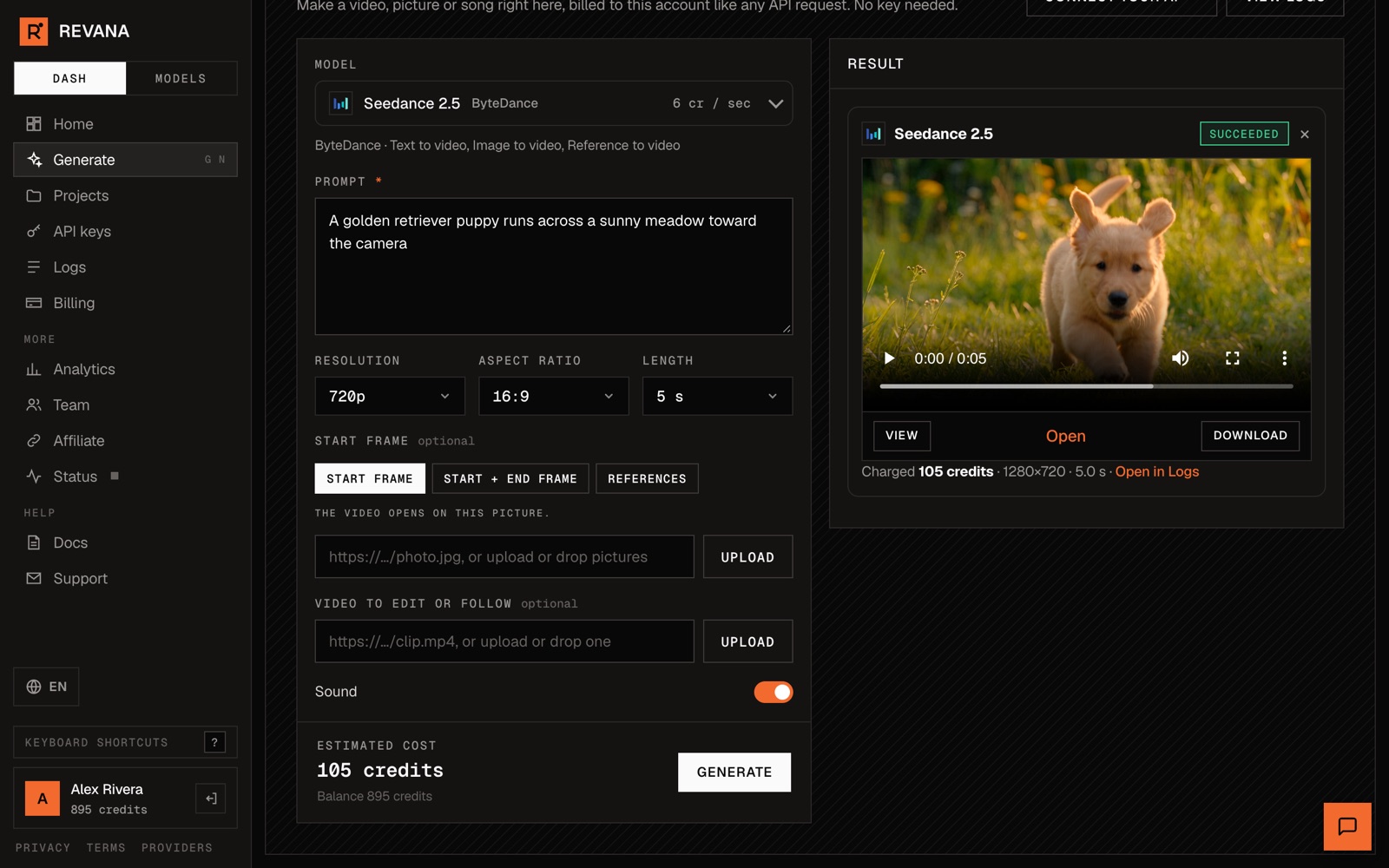
Press Generate in the left menu. Seedance 2.5 is picked already. To try another model, open the list. Each model shows its price per second of video, and you can type to search.
Write the prompt and choose the settings
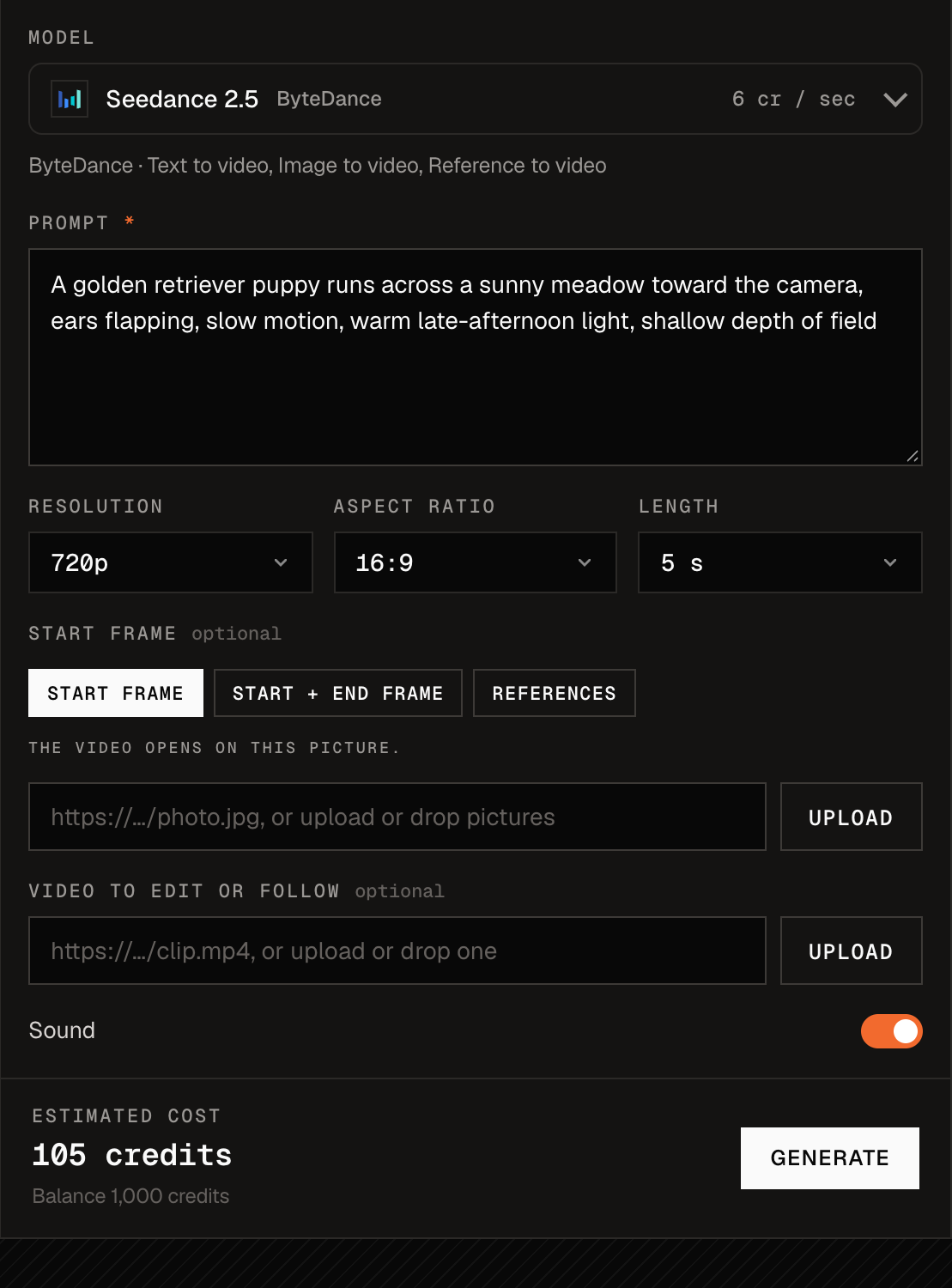
Describe the shot in the Prompt box. Then set:
- Resolution: 480p for drafts, 720p for most uses, 1080p for the final cut.
- Aspect ratio: 16:9 for YouTube, 9:16 for Reels, TikTok and Shorts, 1:1 for feeds.
- Length: how many seconds you want. You pay per second.
- Start frame (optional): upload a picture and the video opens on it. Use References to keep a character or product the same.
- Sound: on by default. Seedance makes the sound with the picture.
The Estimated cost at the bottom changes as you pick settings, so you see the price before you spend anything.
Press Generate, then download
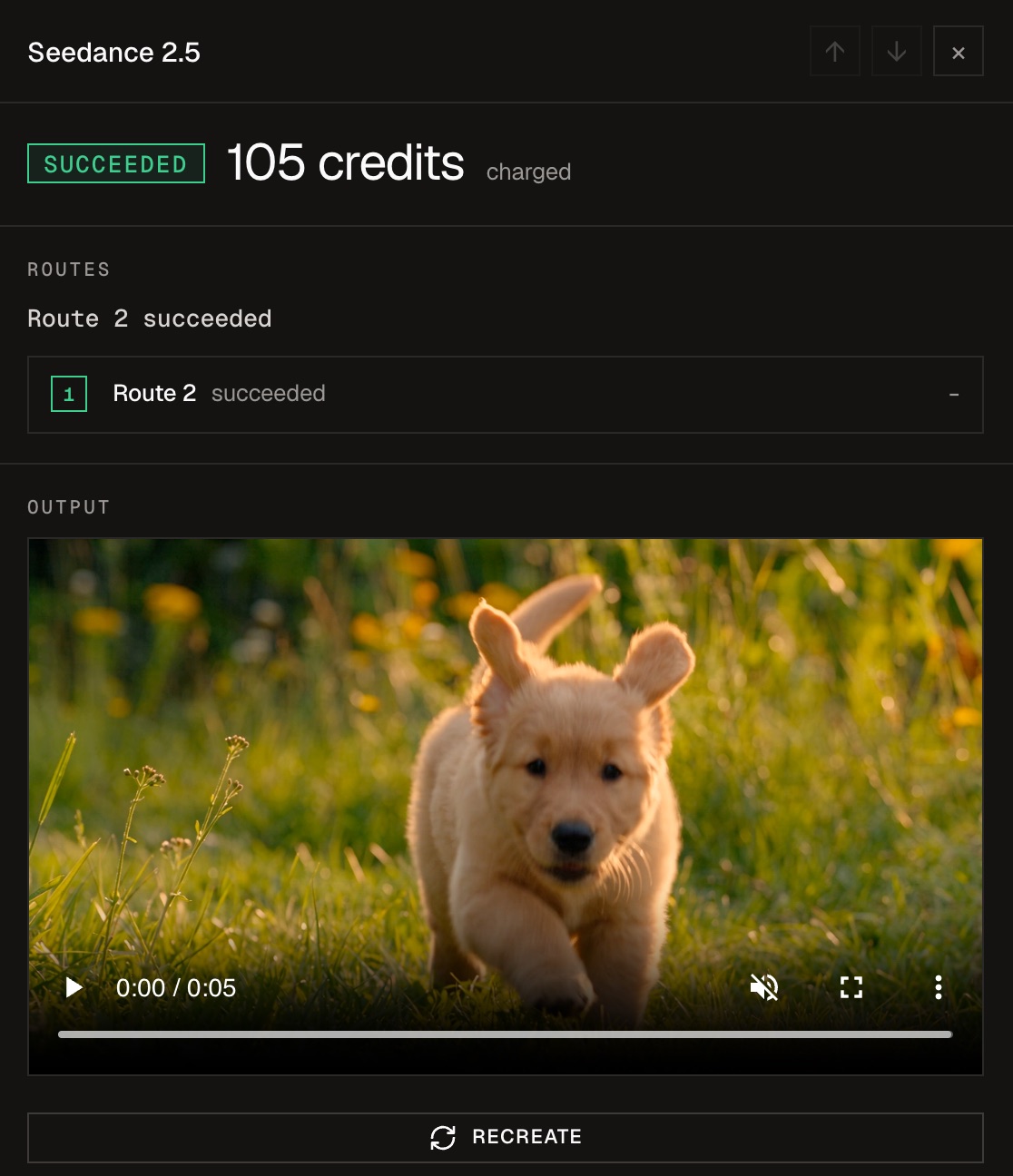
Press Generate. The video shows up on the right when it is ready, usually in two to five minutes. You can leave the page while you wait. Every video is also kept in Logs.
Click a row in Logs to play the video, download it, or press Recreate to make it again with the same prompt and settings.
Prompt tips
Write it like a note to a camera operator. One shot, in this order:
| 부분 | 예시 |
|---|---|
| Who or what | a golden retriever puppy |
| What happens | runs across a sunny meadow toward the camera, ears flapping |
| 카메라 | slow motion, low tracking shot, slow dolly in |
| Light and look | warm late-afternoon light, shallow depth of field |
Test at 480p for 5 seconds ($0.45 on Seedance 2.5). When you like the result, press Recreate and switch to 720p or 1080p.
자주 묻는 질문
What if the video fails?
You are not charged. Revana tries a backup provider on its own first, so most requests finish anyway. A failed one shows the reason in Logs.
Can I see the price before I press Generate?
Yes. The estimated cost under the form is what the video costs. Credits are held while it renders and charged when it finishes.
Can I do this from code or from Claude instead?
Yes. The same credits work with the API and with AI apps. See the next guides.